After Effects Expressions Directory
Find the best After Effects expressions from the internet, all in one place.
Lock Gradient Ramp Position to Text
Locks the Gradient Ramp’s start and end points so they stay aligned with your text layer in comp space.

Pulse Opacity
Creates a smooth pulse that fades opacity between a minimum and maximum value you set, so it never fully disappears unless you want it to.
Random Scale
Animates the Scale property by randomly changing its size every few frames, either on both axes, just X, or just Y.
Start/End Expression at Specific Time
Run any animation or behavior (like wiggle or anything else) between two specific times inside After Effects.
Animated Number Counter With Commas
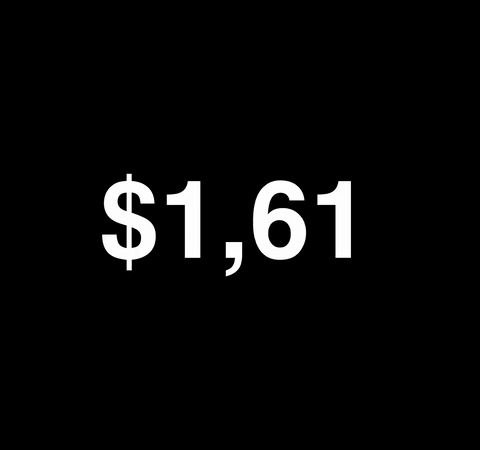
Fully customizable expression to display numbers with chosen decimal symbol, thousands separator, prefix, and suffix.
Random Flicker Opacity
Creates a flicker effect that switches between 0 and your set opacity. You control how often it flickers using a frame-based speed setting.
Camera Focus Lock on Layer (Depth of Field)
Locks your camera’s focus distance to always stay on a selected layer when using depth of field.
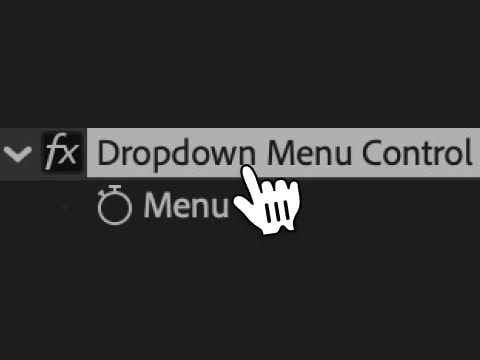
Dropdown Menu Control
Learn how to add and use Dropdown Menu Controls in After Effects to switch styles, trigger animations, and build flexible motion graphics templates.
Typewriter Effect with Blinking Cursor
A versatile typewriter text animation that reveals characters progressively with a customizable blinking cursor, creating a realistic typing effect for any text layer.

Exponential Scale
Turn linear scale keyframes into smooth exponential growth using a simple expression.

Posterize Time
Lock a property to a specific frame rate so it updates at a fixed interval, perfect for stuttery or stop-motion effects.
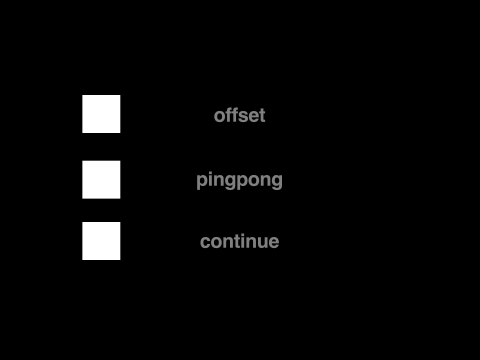
Loop
Automatically repeats your animation based on keyframes using built-in loop expressions. Great for cycles, continuous motion, or back-and-forth effects.
Wiggle Loop
Makes a wiggle loop perfectly every few seconds—great for looping titles, GIFs, boomerangs, or repeatable motion in templates.
Stop Motion Effect
Applies a choppy, stop-motion-style wiggle with custom controls for speed and intensity.
Auto Center Text Anchor Point
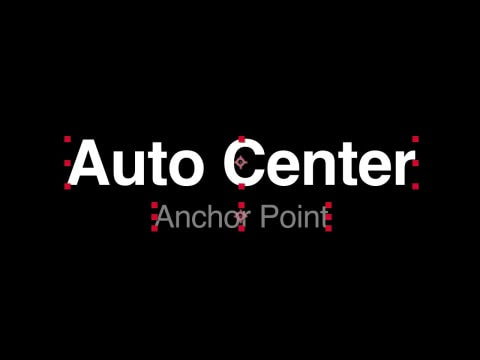
Keeps the anchor point automatically centered based on the current size of a text layer.
Auto Fade In & Out with Markers
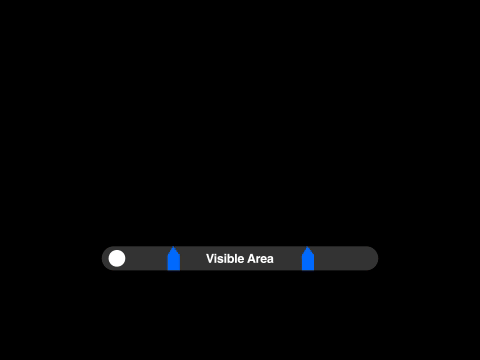
Fades opacity in from the layer’s In Point to the first marker, and out from the second marker to the Out Point of the layer.

Wiggle on One Dimension Only (X, Y, or Z)
Adds wiggle to just one axis (X, Y, or Z), leaving the others untouched. Great for controlled random movement.
Time
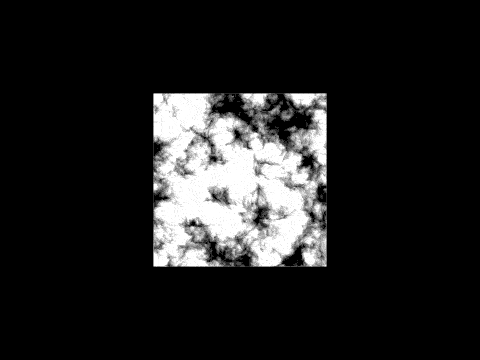
A simple time-based expression that creates continuous motion or animation without keyframes.
Digital Clock
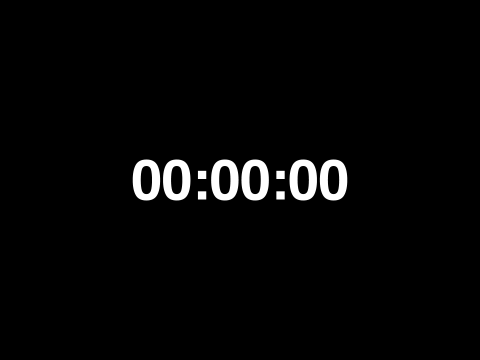
Create a real-time digital clock in After Effects that updates every second using just an expression.